


Image Assets
The Image Assets section allows the admin to upload and manage branding images for the AdFund platform. These images are displayed across the user panel, browser tabs, and system interfaces. This helps you fully rebrand the platform with your own business identity—no coding required.
Image Assets for User Panel
These images will appear on the user-facing website and user dashboard.
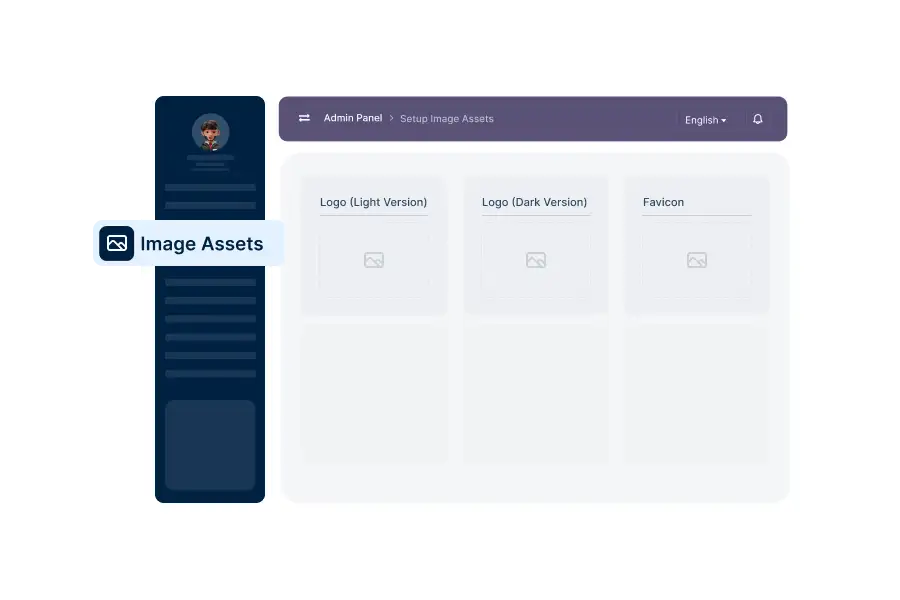
Image Asset Configuration
Upload the required branding images in the following fields:
01. Logo (Light Version)
Upload the logo used on light backgrounds.
- User panel header
- Authentication pages
Recommended format: webp with transparent background
02. Logo (Dark Version)
Upload the logo used on dark backgrounds.
Automatically displayed when dark theme or dark sections are active. Ensures proper visibility and branding consistency.
03. Favicon (Light Version)
Upload the favicon for light browser themes.
- Browser tab
- Bookmarks
Recommended size: 32×32 px or 64×64 px
04. Favicon (Dark Version)
Upload the favicon for dark browser themes. Improves visibility in dark mode environments.
Recommended Image Guidelines
- Logo FormatPNG or SVG (transparent background recommended)
- Favicon FormatPNG or ICO
- Image QualityHigh resolution, clean edges for professional display
- Brand ConsistencyKeep logo proportions and style consistent across both versions
Applying Changes
- Upload your images in the respective fields
- Click the Update button to save the changes.
All image assets will be updated instantly across the platform